
The drivers for the USB-WIFINT Wi-Fi 6 adapter will install automatically through Windows Update as long as there is an existing internet connection such as ethernet.
Drivers are available for manual driver installation as well. Here is how to install the drivers for the USB-WIFINT:
- Download the following drivers: 5001.15.134.3_Plugable
- Connect the USB-WIFINT to your computer.
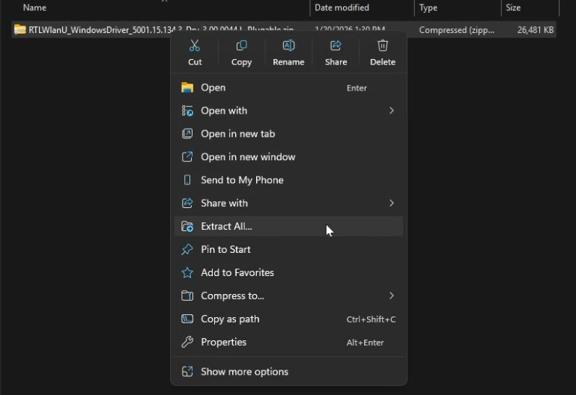
- Extract the compressed folder (you can Right Click then select the "Extract All..." option)
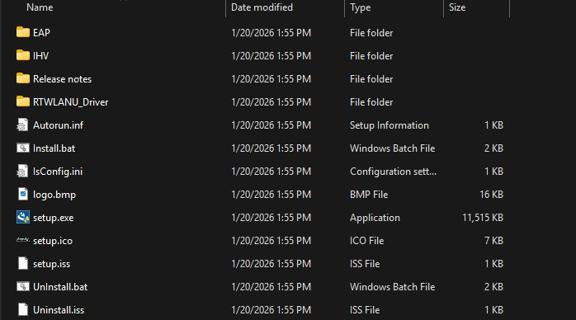
- Find the setup.exe in the files that were extracted, and run it with administrator privileges.
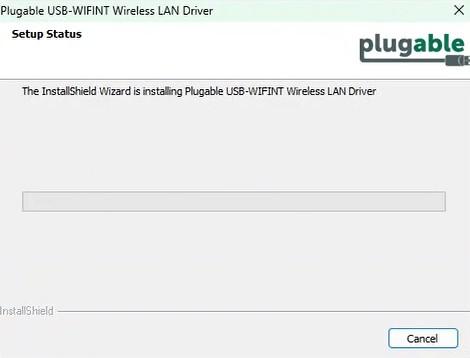
- Continue through the install process of setup.exe.
-
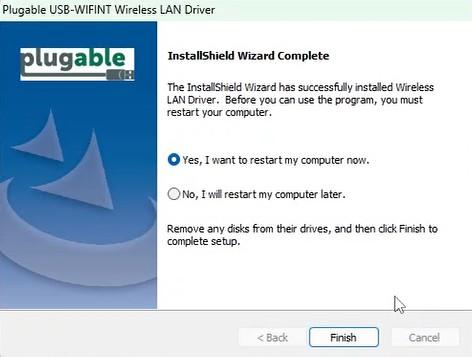
- Once driver installation is complete, you will need to restart your computer to connect to a wireless network.
If you get an error, please contact Plugable Support. If there are still issues, please contact us so we can help
