
To solve this issue, click on the "View" option within the KeePassXC application's menu bar and enable the "Allow Screen Capture" option
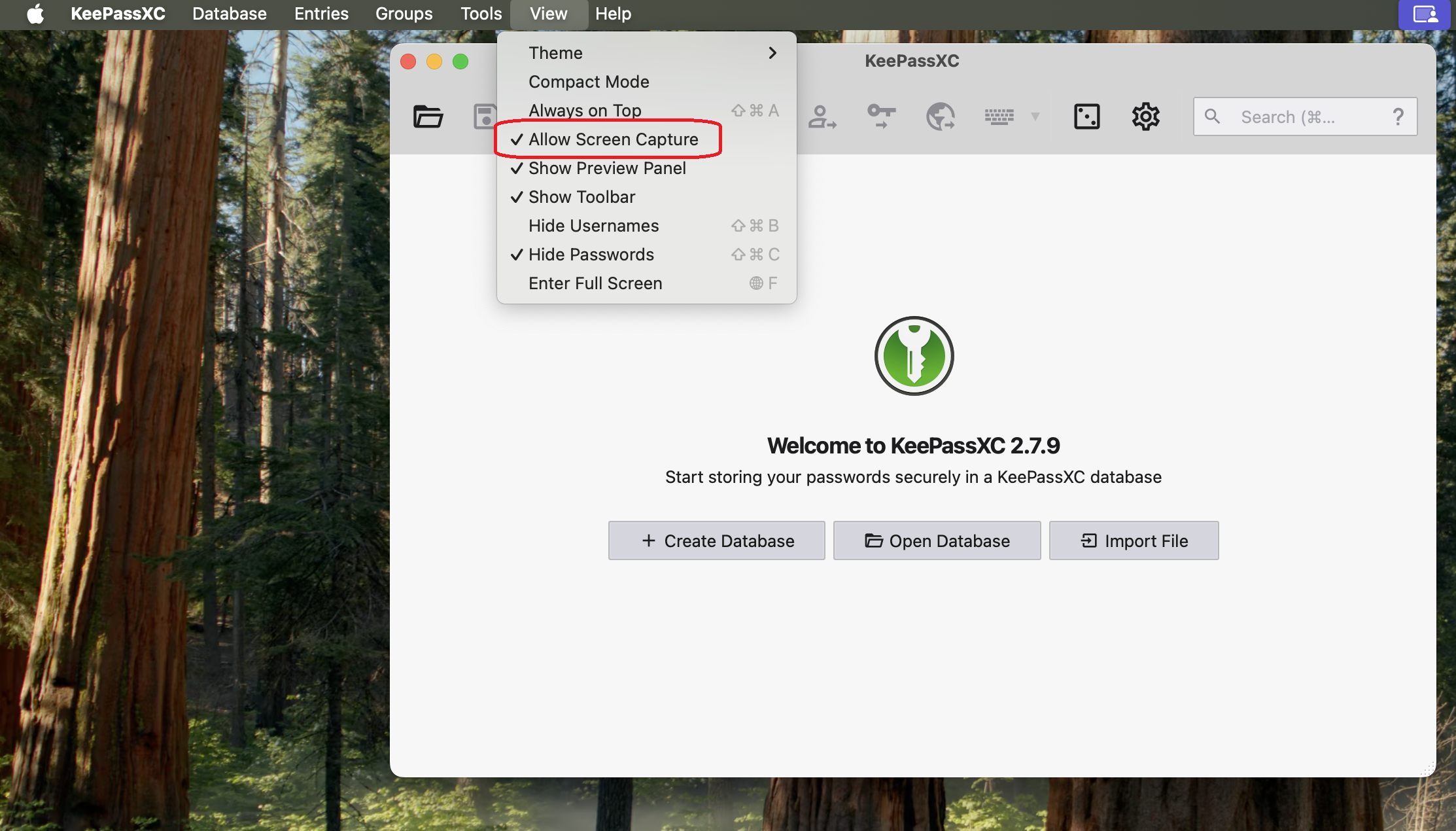
Why the KeePassXC Window Disappears
In order for DisplayLink-based video adapters or docking stations to work with modern versions of macOS, the DisplayLink Manager application must be granted "Screen Recording" permission. The KeePassXC application hides its window when it believes the screen is being recorded. Even though the DisplayLink software only uses this permission to generate the image for connected displays and does not record, store, or send any information externally, the application hides the window as a precaution.
Applicable To
- Plugable DisplayLink-based video adapters and docking stations
