
How Do I Install the Drivers for the Plugable USB-WIFIAX Wi-Fi 6 Adapter?
Applicable To
Plugable USB-WIFIAX Wi-Fi 6 adapter.
Instructions
Download the required drivers.
Connect the USB-WIFIAX to your computer.
-
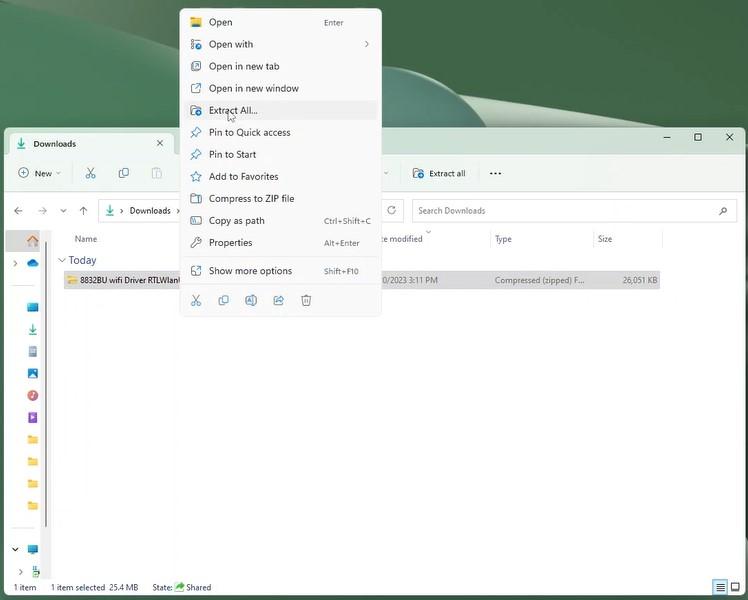
Extract the compressed folder by right-clicking and selecting the "Extract All..." option.
-
Find the setup.exe in the files that were extracted, and run it with administrator privileges.
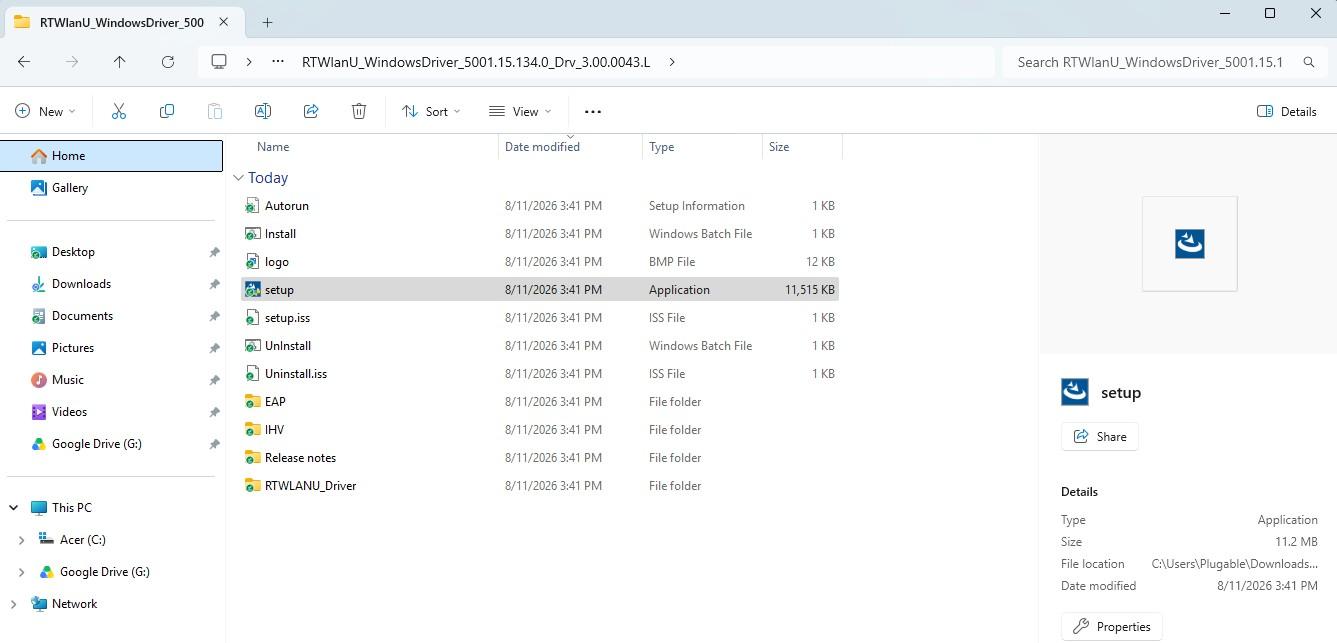
Continue through the install process of setup.exe
-
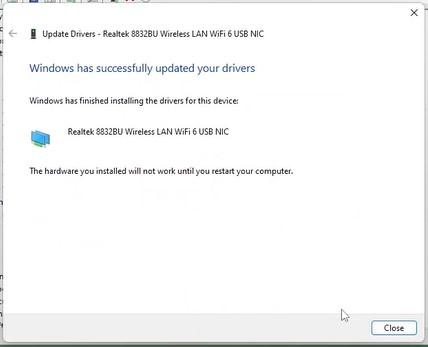
Restart the computer.
Expected Result
You should see the ability to connect to a wireless network upon reboot.
If the Issue Persists
If you have any questions or concerns, feel free to reach out directly at support@plugable.com
