
If you happen to see a red X after transferring files using the Bravura Easy Computer Sync software, this means that Windows is detecting a syncing issue exists with its file related to its OneDrive cloud storage service.
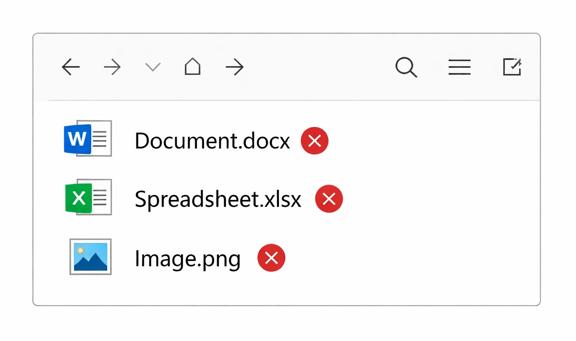
That usually means Windows thinks those files aren’t available on the not synced to their online storage service, it is not a problem with the cable itself.
Generally this can be resolved by giving OneDrive some time to upload those newly transferred files or restarting the OneDrive from closing it from the Windows taskbar then restarting it can resolve upload issues and it should also remove the red X from these files.
